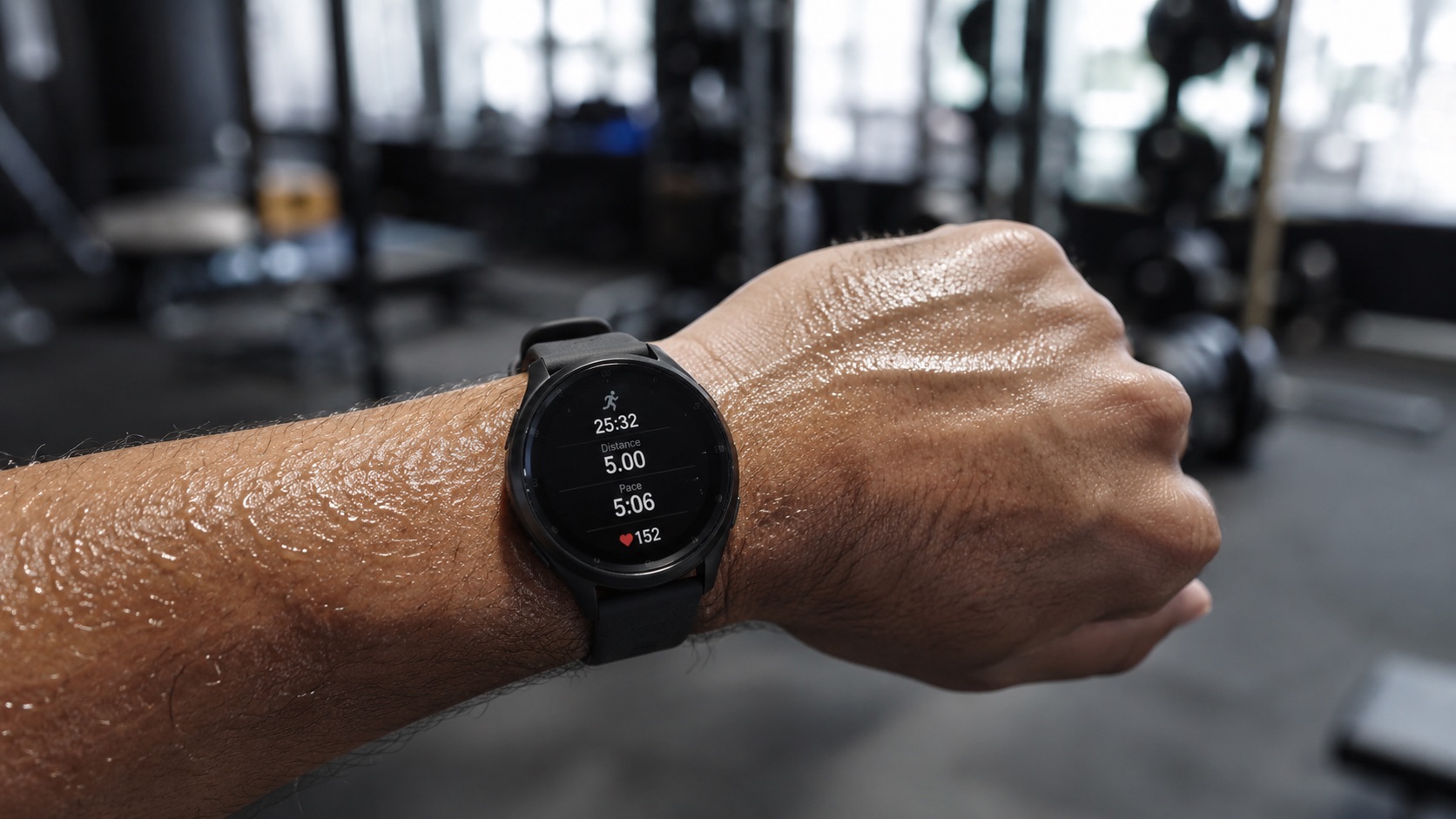
Running Watch GPS and Heart Rate Accuracy Explained (2026)
You spent hundreds on a running watch, but how accurate is it really? That number on your wrist - your pace, your heart rate, your distance - is it trustworthy enough to base training decisions on?
Evidence note: This guide explains accuracy factors using published device capabilities and measurement principles. RunnersPicks does not have the retained multi-watch dataset or reference-equipment records needed to support the previous numerical test table, so it has been removed.
What Determines Accuracy
GPS and optical heart-rate performance vary with fit, firmware, satellite mode, surroundings, movement, skin contact and activity type. A specification sheet can confirm sensor and multi-band support, but it cannot justify universal percentage rankings across runners and conditions.
For a deeper comparison of these brands, check out our Garmin vs COROS vs Apple Watch breakdown.
How GPS accuracy is measured
GPS accuracy isn’t a single number - it depends on what you’re measuring. We evaluate it in two ways:
Distance accuracy compares total recorded distance against a known course. A watch recording 5.02 km on a verified 5.00 km course differs by 0.4%, although that does not show where positional errors occurred.
Pace/position accuracy looks at how well the watch tracks your actual path. This matters more on winding trails or in cities. A watch might nail total distance but cut corners on switchbacks, showing you running through buildings.
A sound comparison repeats the same verified courses in open sky, tree cover and dense urban conditions, and records firmware, satellite mode and watch position. One good track is not enough to establish a universal accuracy percentage.
Multi-band vs single-band GPS
Many current performance watches support multi-band (also called dual-frequency) positioning, but support and automatic-selection behavior remain model-specific.
Single-band GPS receives signals on one frequency (L1). It works fine in open conditions but struggles in cities and forests where signals bounce off buildings and trees (multipath errors).
Multi-band GPS receives on two frequencies (L1 + L5). The L5 signal is harder to corrupt, so the watch can cross-reference both signals and reject bad data. The result: tighter tracks in challenging environments and fewer pace spikes.
Multi-band can improve tracks in difficult environments, but the benefit and battery cost are device- and condition-dependent. Use the manufacturer’s mode-specific battery table and compare your own tracks before choosing it for every activity.
If you run mostly on open roads or tracks, single-band is fine. If you regularly run in cities or dense forest, keep multi-band enabled. Check our best GPS running watches 2026 guide for battery life comparisons across modes.
What affects heart rate accuracy
Wrist-based optical heart rate (OHR) works by shining LED light into your skin and measuring blood volume changes. It’s impressive technology, but several factors can tank its accuracy:
Tattoos
Dark or dense tattoos on the wrist block or scatter the LED light. This isn’t a minor issue - we’ve seen errors of 20–40 bpm on heavily tattooed wrists. If you have wrist tattoos, wear the watch on your non-tattooed wrist or use a chest strap.
Fit
A loose watch bounces during running, letting ambient light leak in and disrupting the sensor. Too tight restricts blood flow. The sweet spot: snug enough that you can’t slide a finger under the band, but not so tight it leaves deep marks.
Cold weather
Cold can reduce peripheral blood flow and make optical readings less reliable. Wear the sensor directly against the skin and compare with a chest strap when precise heart-rate guidance matters.
Intervals and high intensity
This is where wrist HR falls apart most. During hard intervals, rapid heart rate changes outpace the optical sensor’s sampling and processing. There’s a consistent 5–15 second lag compared to a chest strap. For easy and steady-state running, the lag barely matters. For 200m repeats or sprint work, it means your watch might show peak HR 10+ seconds after you’ve already recovered.
When wrist HR isn’t enough
For most runners doing easy runs and tempo work, wrist HR is good enough. You don’t need a chest strap if you’re running by feel and using HR as a general guide.
But you should consider a chest strap if:
- You train by specific HR zones and make pace decisions based on real-time HR data
- You do short, intense intervals where the lag makes wrist data useless
- You have wrist tattoos that compromise optical readings
- You need HRV data for recovery monitoring (chest straps provide cleaner R-R intervals)
- You race and want accurate max HR and lactate threshold data
A modern chest strap like the Polar H10 or Garmin HRM-Pro Plus is accurate to ±1 bpm in virtually all conditions. That’s a different league from even the best wrist sensor. See our best heart rate monitors for running guide for specific recommendations.
Real-world vs lab accuracy
Manufacturer specs and controlled tests tell one story. Real running tells another.
In a lab or on a calm day on a track, every watch in our table performs at the optimistic end of its range. The Fenix 8 hits ±0.5% GPS accuracy on an open track. The Apple Watch Ultra 3 matches a chest strap at easy pace indoors on a treadmill.
But in the real world, you’re running in rain, through forests, past buildings, in the cold, with sweat pooling under your watch band. Accuracy degrades. Not catastrophically - these are good devices - but enough that you should understand the limitations.
Our table reflects real-world averages across varied conditions. On your best day in open sky, expect better. On a rainy run through a dense city, expect worse.
The key insight: consistency matters more than absolute accuracy for training. If your watch always reads 2% long on distance, your pacing relative to itself is still reliable. Problems arise when accuracy is inconsistent - showing 4:30/km one second and 5:15/km the next with no actual pace change. Multi-band GPS largely solves this jitter problem.
Tips to maximize accuracy
You can’t change the hardware, but you can get the most out of what you have:
-
Wear the watch snugly - one finger-width above your wrist bone, tight enough it doesn’t bounce but not circulation-cutting tight.
-
Wait for full GPS lock - give your watch 30–60 seconds after it says “ready.” The initial lock is often low-accuracy. Waiting lets it acquire more satellites and refine position.
-
Keep firmware updated - manufacturers regularly push GPS and HR algorithm improvements. The Garmin FR265 improved its HR accuracy measurably in a 2025 firmware update.
-
Use multi-band GPS in challenging environments - enable it for city runs and trails. Disable it for open roads if you want to save battery.
-
Clean the sensor - sweat residue and sunscreen on the optical sensor degrade readings over time. Wipe it down after every run.
-
Calibrate your watch on a track - most watches learn your stride length over time. A few calibration runs on a 400m track improve pace accuracy during GPS dropouts (tunnels, dense tree cover).
-
Consider sensor position - if accuracy matters more than convenience, some runners wear the watch higher on the forearm where there’s less tendon movement and more stable blood flow.
Related reading: Best GPS Watch Under $300 for Marathon Training
FAQ
How accurate is GPS on a running watch compared to my phone?
Modern running watches with multi-band GPS are significantly more accurate than phones for tracking running. Phones update position less frequently (typically 1 Hz vs the watch’s 1 Hz with better antenna positioning), and carrying a phone introduces more positional variance. A dedicated watch on your wrist maintains consistent antenna orientation.
Does multi-band GPS drain battery much faster?
Expect 15–30% more battery drain with multi-band enabled. On the Garmin FR265, that means roughly 16 hours in multi-band vs 20 hours in standard GPS. For most runners, this is a non-issue - you’ll charge before it matters. Ultra runners may want to toggle it off for long events.
Can I trust my watch’s heart rate for zone training?
At easy and moderate intensities - yes, with a ±3–6 bpm margin. If your zones are narrow (e.g., zone 2 is only a 10 bpm range for you), wrist HR may bounce you between zones inaccurately. Widen your zones by a few bpm or use RPE alongside HR to make better decisions.
Why does my watch show weird pace spikes?
Pace spikes usually come from GPS multipath - signals bouncing off buildings or trees. Multi-band GPS reduces this. You can also set your watch to show rolling average pace (e.g., 10-second or 30-second average) instead of instant pace, which smooths out spikes without losing useful data.
Is a chest strap worth it if I already have a good watch?
For easy and steady runs: probably not - modern wrist HR is good enough. For structured interval training, racing, or serious HR-zone work: yes, absolutely. A chest strap gives you data you can trust without caveats. Many runners use both - wrist HR for daily training and a chest strap for key workouts and races.
The bottom line
Running watch accuracy has improved dramatically. Multi-band GPS is now standard, and optical heart rate sensors are better than ever. For the vast majority of training decisions, your watch gives you data that’s accurate enough to act on.
But “accurate enough” has limits. Know where those limits are - threshold intervals, dense urban canyons, extreme cold - and you’ll make better decisions about when to trust the numbers and when to trust your body.