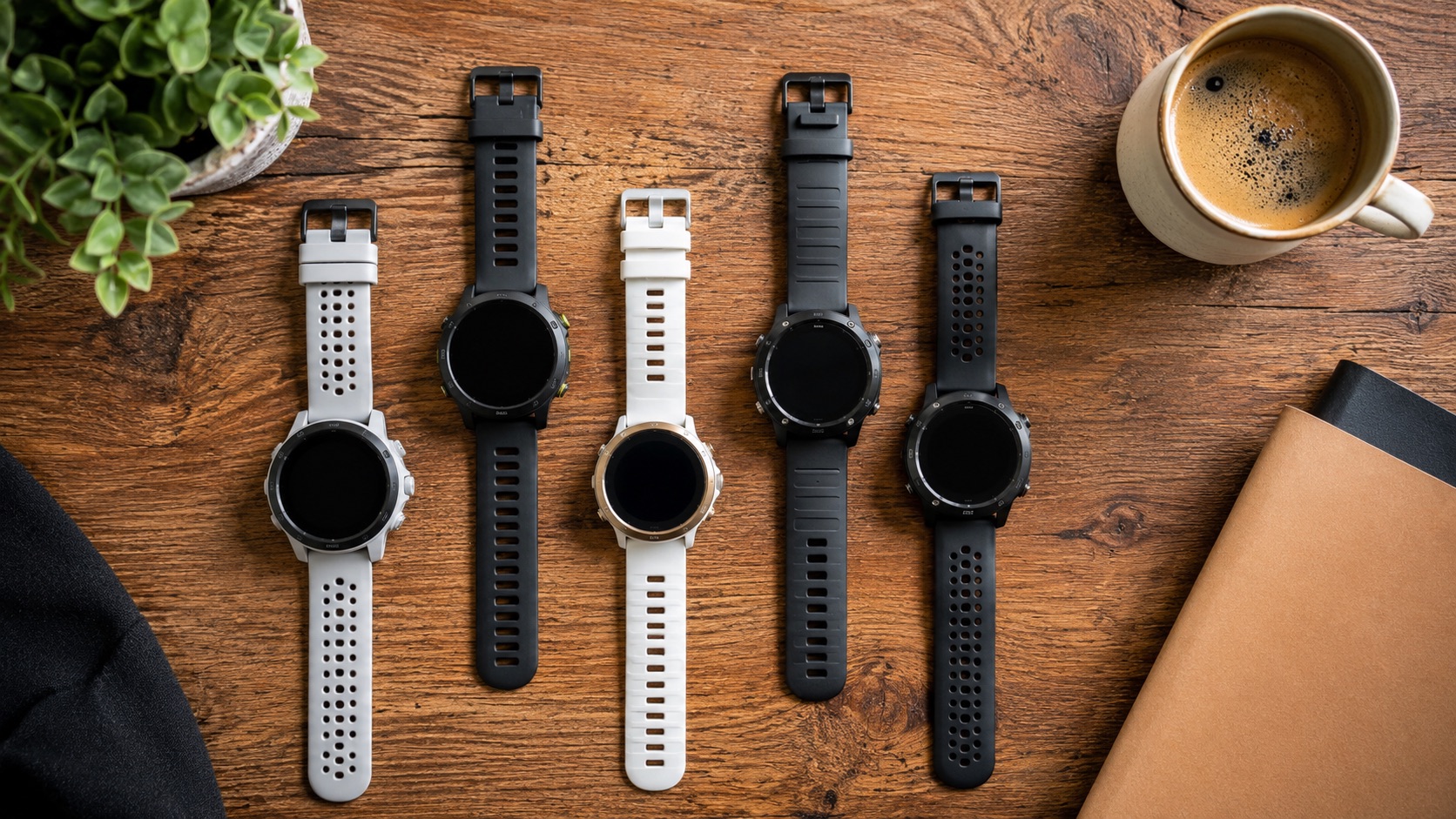
Latest vs Last-Gen Running Watches: When Is the Upgrade Worth It?
Hi, my name is Tom, and I’ve bought four Garmin watches in three years. The Forerunner 245, then the 255, then the 265, and now the Fenix 8. That’s roughly $2,400 in GPS watches for the same wrist.
Am I proud of this? Not particularly. Was every upgrade worth it? Absolutely not. But I can now tell you with certainty which generational jumps deliver real improvements and which ones are marketing dressed up as innovation.
If you’re staring at a new Garmin release wondering whether to upgrade, this article is for you. I’ll save you the money I already spent (on at least one unnecessary upgrade).
The General Rule: Skip One Generation
Here’s the conclusion up front: most running watches improve meaningfully every other generation. Upgrading every single year is paying for incremental refinements. Upgrading every 2-3 years usually delivers noticeable improvement.
The exceptions are when a fundamental technology change happens (like the jump from MIP to AMOLED displays). Those are worth upgrading for regardless of timing.
My Upgrade History (With Hindsight)
Forerunner 245 to Forerunner 255: Minor (Not Worth It)
I upgraded from the FR245 to the FR255 in 2022, about 18 months after buying the 245.
What changed:
- Multi-band GPS (slightly better accuracy in challenging environments)
- HRV tracking added
- Triathlon mode (I don’t do triathlons)
- Morning report
- Native running power (from wrist, without Stryd)
What I actually noticed in daily use: the HRV tracking was nice but not revolutionary. GPS accuracy improved slightly on tree-covered trails but was identical on roads. The morning report was a gimmick I stopped reading after a week.
Was it worth upgrading? No. The FR245 was still perfectly functional. I could have waited for the 265 and gotten a much bigger jump. This upgrade cost me $350 for what felt like a firmware update with a slightly different case.
Forerunner 255 to Forerunner 265: Significant (Worth It)
This is the upgrade that actually felt transformative. The jump from MIP (memory-in-pixel, that gray, low-contrast screen) to AMOLED (vibrant, full-color, readable in any light) changed how I interact with the watch.
What changed:
- AMOLED touchscreen (gorgeous, responsive)
- Much better display readability
- Improved touch interface alongside buttons
- Better sleep tracking algorithms
- Training readiness score
- Same training algorithms but better presentation
What I actually noticed: everything. The AMOLED screen makes data fields beautiful and readable mid-run. Maps are actually usable. The touch interface for scrolling through post-run stats is faster than button mashing. The watch went from “functional tool” to “device I enjoy using.”
Was it worth upgrading? Yes, emphatically. The AMOLED display is a genuine generational leap that changes daily use. If you’re on any MIP-screen Garmin (245, 255, 745, 945), the jump to AMOLED is worth it. I compared these in detail in the 265 vs 965 comparison.
Forerunner 265 to Garmin Fenix 8: Questionable (Probably Not Worth It for Most)
My most expensive upgrade: from the $450 FR265 to the $1,000 Fenix 8. I justified it by saying I needed maps for trail running.
What changed:
- Full offline maps with routing
- Significantly longer battery life (14 days vs 4-5 days)
- Flashlight (surprisingly useful)
- More durable build (titanium option)
- Larger screen
- Solar charging option
- Dive features (I don’t dive)
What I actually noticed: the maps are excellent for trail exploration. Battery life is luxurious (charge once a week). The flashlight is handy for early morning runs. But the core running experience, the training, the metrics, the accuracy, is identical to the FR265.
Was it worth upgrading? For trail runners who use maps regularly, yes. For road runners, no. I run trails maybe 30% of the time, which means I paid $550 for maps I use on one in three runs. The FR265 would have been fine with phone navigation for those trail days.
The Comparison Table
| Upgrade Path | Key New Feature | Price Jump | Performance Improvement | My Verdict |
|---|---|---|---|---|
| FR245 → FR255 | Multi-band GPS, HRV | $300 → $350 | Minimal (< 5%) | Skip |
| FR255 → FR265 | AMOLED display | $350 → $450 | Significant (UX overhaul) | Worth it |
| FR265 → FR965 | Larger screen, maps | $450 → $600 | Minor for running | Skip (unless you need maps) |
| FR265 → Fenix 8 | Maps, battery, build | $450 → $1,000 | Same running metrics | Overkill for most |
| Fenix 7 → Fenix 8 | AMOLED, flashlight, speaker | $800 → $1,000 | Display upgrade only | Worth it only for AMOLED |
| FR55 → FR265 | Everything | $200 → $450 | Massive improvement | Absolutely worth it |
| Venu 2 → FR265 | Training algorithms | $350 → $450 | Much better for running | Worth it for runners |
When an Upgrade IS Worth It
Based on my experience, upgrade when:
You’re jumping display technology. MIP to AMOLED is transformative. This single change justifies an upgrade regardless of other features.
Your current watch can’t do something you need. If you’ve started trail running and need offline maps, or started swimming and need open-water GPS, a feature gap justifies upgrading.
Your battery life has degraded significantly. After 3+ years, lithium batteries degrade. If your watch barely lasts a day, it’s time.
You’re skipping 2+ generations. FR245 to FR265? Huge improvement. FR255 to FR265? Marginal. The bigger the gap, the more noticeable the improvement.
A genuinely new sensor arrives. If a future Garmin adds blood glucose monitoring or ECG with running implications, that’s a real feature addition.
When an Upgrade IS NOT Worth It
Don’t upgrade when:
It’s just a chipset update. “New processor, 20% faster menu navigation” is not a reason to spend $400+.
The training algorithms are identical. Most Garmin watches in the same era share identical software. A Fenix 8 and FR265 use the same Training Status algorithms. You’re paying for hardware, not smarts.
You’re chasing accuracy improvements. Multi-band GPS vs. single-band is measurably better in forests and urban canyons. On open roads? Negligible. If 90% of your running is unobstructed, standard GPS is fine.
The new color looks nice. I’m not judging. (I’m judging a little.)
Check the Forerunner pricing guide to see if the price difference justifies the feature difference for your specific use case. And if you’re wondering about features you probably don’t need, the unnecessary features breakdown is sobering.
The Smart Upgrade Strategy
If I could redo my purchase history:
- Buy the FR265 first (best value in Garmin’s lineup today)
- Wait 2-3 years until either it breaks, the battery degrades, or a genuinely new technology arrives
- Skip one full generation when upgrading
- Sell the old watch (Garmin watches hold value surprisingly well secondhand)
This approach gives you excellent technology at all times while spending half what I’ve spent.
Current Recommendations (2026)
| Your Situation | My Recommendation | Why |
|---|---|---|
| First running watch | Forerunner 265 | Best value, AMOLED, full training features |
| Own FR245 or older | Upgrade to FR265 | Massive improvement |
| Own FR255 | Upgrade to FR265 | AMOLED alone is worth it |
| Own FR265 | Wait | Nothing compelling enough yet |
| Own FR965 | Wait | Identical to Fenix experience |
| Own Fenix 7 (MIP) | Consider Fenix 8 | AMOLED upgrade if you value the display |
| Own Fenix 8 | You’re done for 3+ years | Nothing to improve |
| Want maps + battery | Fenix 8 | The premium is justified here |
| Budget limited | FR165 or used FR265 | Both excellent choices |
Also worth considering: the FR265 pricing and value analysis for those specifically debating that model.
Frequently Asked Questions
How often should I upgrade my running watch?
Every 2-3 years, or when a significant technology change happens (like MIP to AMOLED). Annual upgrades are almost never worth it for running watches. The training algorithms, GPS accuracy, and sensor improvements between consecutive generations are too small to justify the cost. Wait until your current watch feels genuinely limiting.
Can I just update the software on my current watch instead of upgrading?
Garmin does release firmware updates that add features, so yes, sometimes. The FR255 received training readiness and morning report through updates after launch. However, hardware features (AMOLED screens, new sensors, better battery) obviously can’t be added through software. Check if your desired feature is software-based before assuming you need new hardware.
Does GPS accuracy actually improve between generations?
Between consecutive generations, barely. Multi-band GPS (introduced in the FR255/Fenix 7 era) was the last significant accuracy improvement. Since then, track accuracy has been essentially identical across models. If you have multi-band GPS already, newer watches won’t give you meaningfully better tracks. The satellites haven’t changed; the watches are just reading them the same way.
Should I buy a Fenix or a Forerunner?
Forerunner if you primarily run on roads and want the best value. Fenix if you need offline maps, week-long battery life, or run in environments that would destroy a plastic watch. The running-specific features are identical between them. You’re paying for hardware durability, maps, and battery in the Fenix. If none of those matter to you, the Forerunner gives identical training data for less money.
Is it worth buying last year’s model at a discount instead of the new release?
Almost always yes. When the FR265 launched, the FR255 dropped to around $250. At that price, the 255 is an incredible value. The training algorithms are the same as what was current-gen 12 months prior. The only thing you miss is the display upgrade and maybe one or two software features. If budget matters more than having the newest thing, buying the outgoing model at 30-40% off is the smartest move in running tech.
The Honest Summary
I’ve spent $2,400 on watches in three years. One of those four purchases was genuinely transformative (the AMOLED jump to FR265). One was justified by my use case (Fenix 8 for trail maps). Two were unnecessary (FR245 to FR255, and arguably the Fenix since I could have used phone maps on trails).
Learn from my wallet’s pain: identify what you actually need, wait for a generational leap, and skip the incremental updates. Your wrist (and bank account) will thank you.